I was using a Mac for the last 5 years. It’s great in every way. The MacBook Air is the perfect laptop. It’s light, fast, and reliable. It’s a good machine for work and daily use. I really appreciate what Apple created. I didn’t have any issues with the OS or hardware itself. It was just ready out of the box.
I am the type of person who really enjoys owning my system, customizing everything I can, and tinkering with it in interesting ways. I have an iPod Classic for music, a 3DS for games, and a Steam Deck for fun. I manage my network with a Raspberry Pi. My old Intel Mac runs Linux, and I use it as a server for OpenClaw Hermes Agent. I also have a Windows PC for remote gaming and WSL for ML stuff, so I can test models and workflows at home without renting a server.
I could talk for hours about my setup and how everything works.
So after I started optimizing my digital life, I understood that there is one disadvantage to using macOS: customizing it the way I want. Actually, you can tweak it and use something custom, but it’s not the same level of control that Linux can give you. I am fully on board with the MacBook being the best laptop, and I can’t find a better option, but I wanted something new, something mine.
I heard about Framework a couple of years ago and really liked their “Fix it yourself” idea. In a world where we own less and rent more, this felt refreshing.
I wanted to try Framework before, but switching laptops felt like too much work. I have many custom workflows, keybinds, and apps, and setting everything up again takes time.
Then it was my birthday, so I decided to buy myself a new tool. My plan was to use it as a second laptop, play with it after work, learn how everything works, and maybe switch completely one day.
Now I have a Framework Laptop 13 (Intel). It came, I assembled it, and it rocks. I fell in love with it.
It reminded me of my teenage years, when I was obsessed with optimizing my PC and buying used parts. I loved being able to change the CPU, GPU, RAM, and other parts. I wanted to play games but also save money, so I was always looking for good used upgrades for my Totoro (the name of my PC). I was also lucky because my father had many PCs at work, so sometimes I could swap parts and use them at home. Good old times.
But this story is about my Linux setup and how I entered the world of digital freedom.
A small note: I had never used Linux as a daily driver. On servers - yes. At home - no. But after spending too much time on r/unixporn, my brain told me that Arch was the best distro and I should use it. Hehe.
Then I talked to the engineer who inspired me to become a software engineer. He convinced me to try NixOS instead. I was afraid that one package update on Arch could break my system, while NixOS has rollback functionality.
So I installed NixOS. It was a rabbit hole. It is Linux, but not how I imagined Linux. You manage the system through configs, and I didn’t want to learn a new language just to use my laptop. After one week of struggling, I decided to try Arch.
I was already convinced that Arch + Hyprland was the perfect setup. It was a mistake.
As someone with almost no Linux experience, I jumped straight into the fire. You need to set up almost everything yourself: audio, keyboard, Thunderbolt, and much more. Soon, I found myself working on my OS every day. Sometimes even during work hours (sorry, Marko). But I was into it. I wanted to make it work.
After about a month, I finally had a working system with everything I needed. It was hard, but I learned a lot.
Then life got busy. I had a lot of work and was preparing to move to Canada, so the laptop stayed mostly unused.
Two months after moving to Canada, I lost my job. The startup didn’t have enough money, so the team had to go. I was burned out after working a lot, and now I needed to find a new job. I decided to take a short break and started working on my Linux setup again.
As the Framework became my daily driver, I realized that Arch required more maintenance than I wanted. It updates constantly, and sometimes I would fix one problem only to find another one the next day. For sure, it’s partly a skill issue, but with only a month of Linux experience, it was hard.
So I decided to try something more stable: Fedora.
And Fedora turned out to be the best distro for me. It’s stable, has almost all the latest packages, and most things work out of the box. Maybe it’s a little bloated, but I’m happy with it.
I also switched to Niri. I had tried it before on Arch and really liked its scrolling workflow. I know Hyprland has a scrolling layout now, but it didn’t when I started, and at this point I don’t want to leave Niri.
This intro became longer than expected, but I wanted to explain my background and how I ended up with my current setup. If you’re thinking about switching to Linux and have a similar background, maybe my mistakes can save you some time and frustration.
I’m the type of person who gets really into something, struggles with it, and keeps going anyway. What can I say? I started playing Dota with Invoker.
I guess I just love to struggle. No pain, no gain - QoP.
Here we go! My setup
Distro
Let’s finally talk about my setup. I use Fedora as my distro of choice. It’s stable and has a lot of features. I installed the Workstation version, as it has all the essentials - in other words, it’s ready for work. It’s easy to find all the software that you need on it. It has a lot of packages, and they are updated, so you shouldn’t worry about something being missing. I have always found everything that I was using on Arch.
I don’t know what else to say. It’s a safe and good option if you want to make Linux your daily driver, and now I use Fedora on servers as well. Maybe I am too biased toward this distro, but who cares if it works?
Window Manager
As my window manager, I use Niri. When I found it, I realized that it was something that I needed. You can have workspaces, and each workspace has its apps. The main catch here is that it’s like an infinite scroller. I want to have 2 apps open at the same time, and I don’t want a third app to divide my screen into smaller pieces. Niri just opens it next to the already-open apps, and you can simply “scroll” back.
You can customize the sizes, so you can actually have 3 apps on a screen, or 4, 5, etc. But the most interesting part is that you can just move left and right to have different layouts. For example, you need a browser and ChatGPT, then you need to open the terminal so you can type commands, and then you need ChatGPT and the console only. You can just move to GPT, work with two apps, and still see part of the browser:
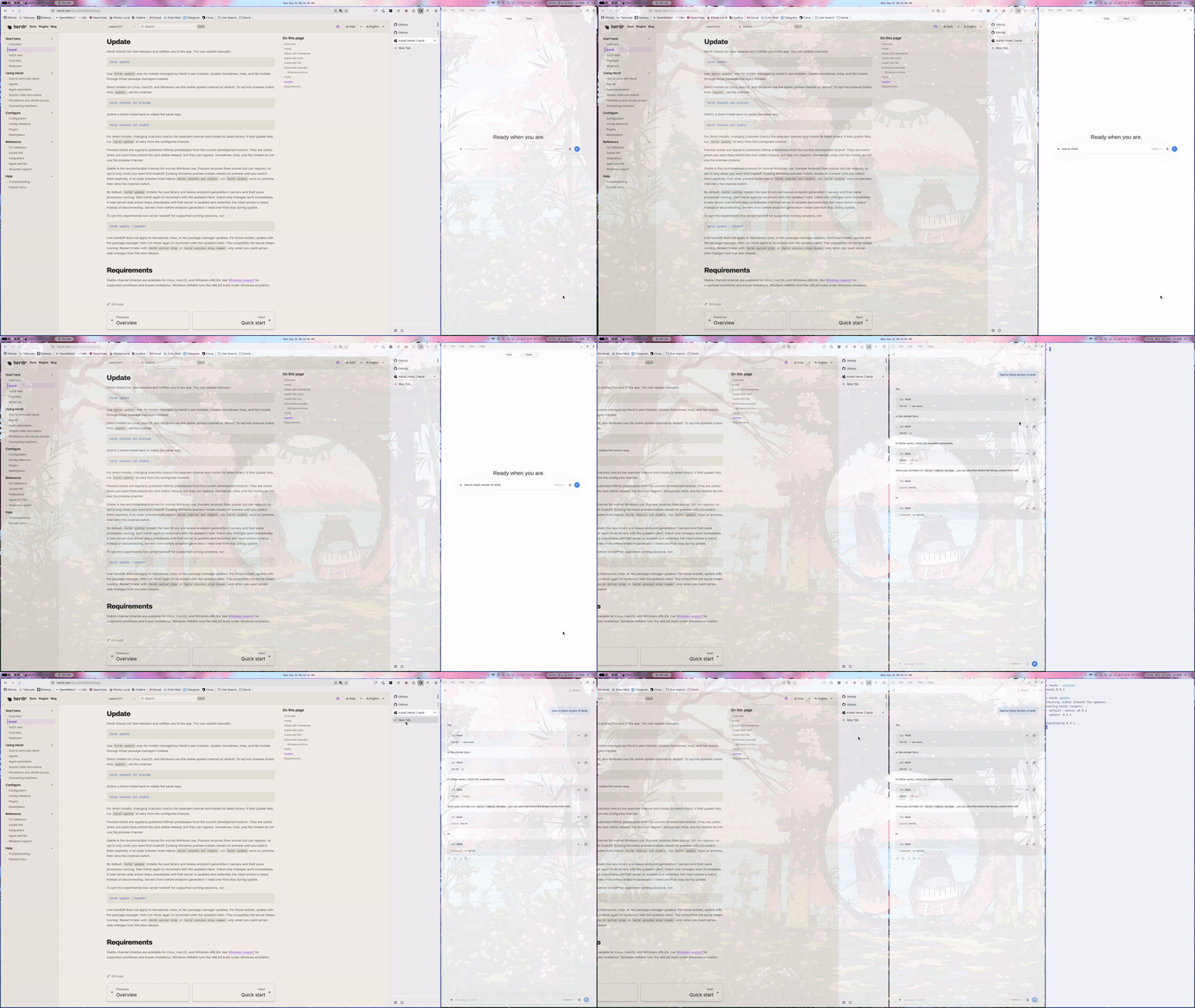
It’s really helpful, and you can have different use cases for this.
I have 1 workspace for the browser/Alacritty/chat. It helps me avoid thinking about where my apps are and lets me see all the information at once. I don’t like the idea of 2+ monitors. I feel like one monitor is enough, and the best size is 27 inches. It’s enough, as anything smaller would be too small and anything bigger would be too big (IMHO).
Niri is perfect for my use cases, and it’s really fast. I also disabled animations, so everything works so fast and feels smooth, and I can always stay in flow mode.
Desktop shell
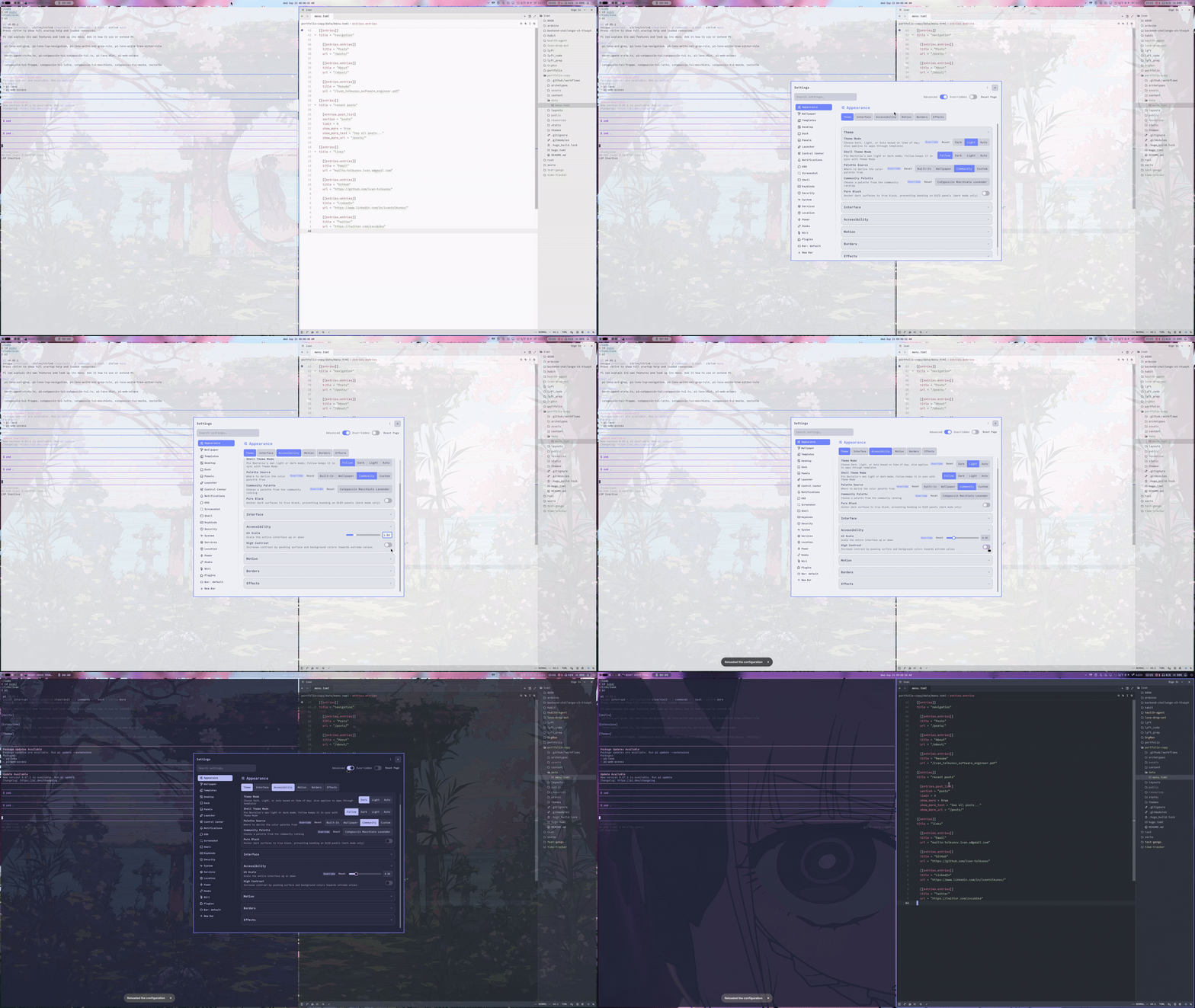
For my desktop shell, I use Noctalia. Previously, I used DMS. It’s good and works just fine. I can’t say exactly why I switched, it’s more a matter of preference. Noctalia is beautiful, fast, and reliable. It has a big community that creates plugins, and I enjoy it a lot.
It also looks good and is easy to set up. I don’t know what else to add - it’s just a simple, pretty desktop shell that can be easily modified, and you can also create plugins. It gives you the whole desktop experience, so you don’t need anything else. With the latest version, it’s even easier and prettier. It has this macOS-like liquid glass effect, and I like it.
App launcher
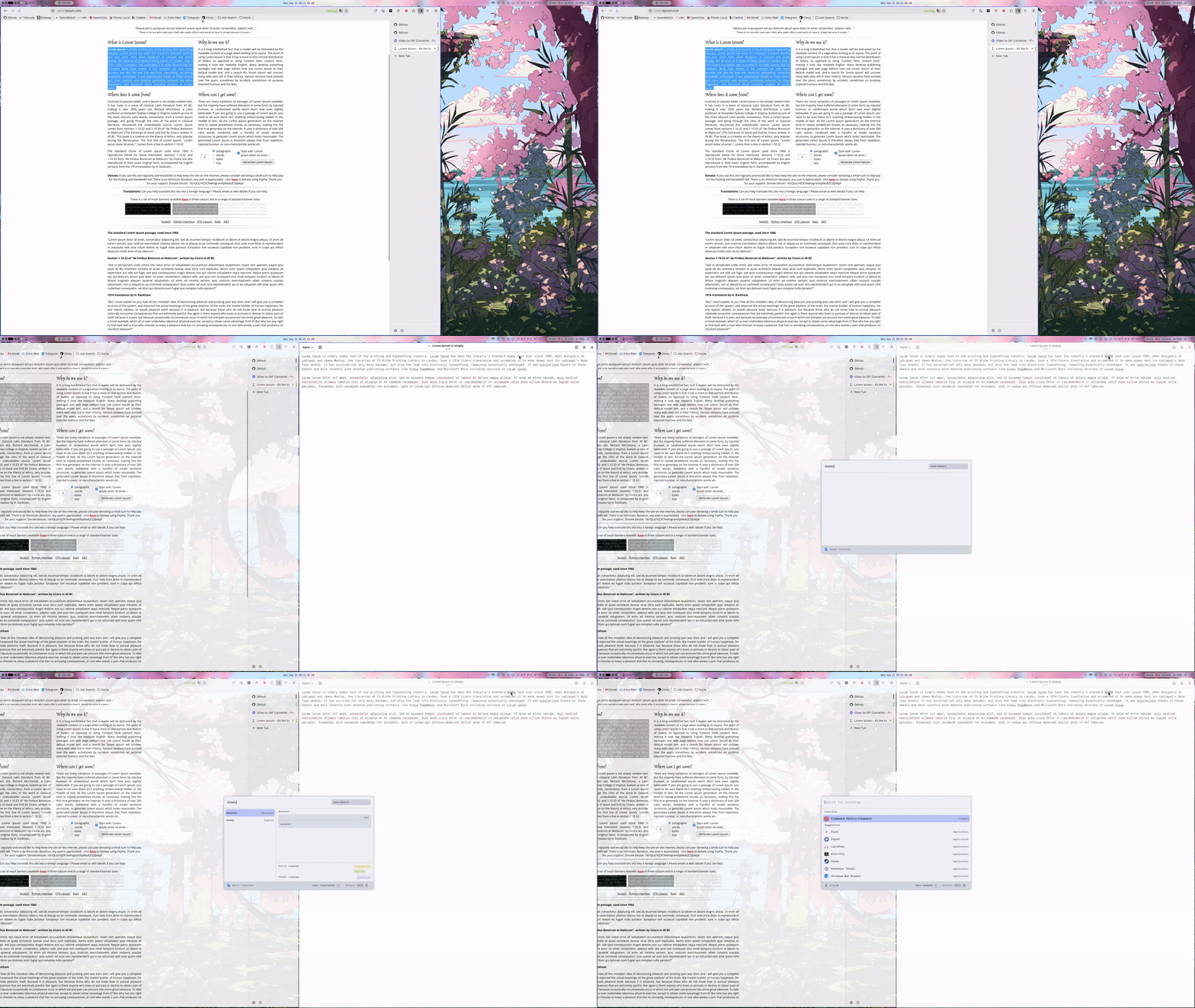
On my Mac, I used Raycast, a really powerful tool. I can’t imagine my workflow without it. It’s much more than an app launcher. Why am I talking about Raycast? There is no Raycast on Linux. Are you sure?
I found Vicinae. It’s a backward-compatible app launcher, so you can use Raycast plugins with it. It has a design and workflow similar to Raycast, and it’s available on Linux. Previously, I used Rofi. It’s simple and works just fine, but I wanted the Raycast experience, so I went with Vicinae. It’s a powerful tool, and I recommend trying it. Give it a shot.
Browser
As my browser, I use LibreWolf. I do care about privacy, and so far, it’s the best option for me. It has containers, so you can have multiple accounts for the same site and open sites in specific containers. For example, you can have two GitHub accounts open at the same time and switch between them. This is a really good feature, and I can’t imagine my life without it.
Also, Ctrl+Tab works the same way as on a PC: you can switch between the 2 most recent tabs, and I find it really helpful. As you can see, I came from Arc Browser. There is a side panel as well.

As my Chromium-based browsers, I use Chromium and Vivaldi. I use Vivaldi if something needs my personal account and requires Chromium. I use Chromium for web development, so I can have a separate browser for testing. Simple and reliable.
Utils
I found LibrePods. Since I use AirPods, I wanted to have the same experience on Linux as I had on my Mac. I found a plugin for Noctalia that can use the LibrePods service and show it as part of my UI.
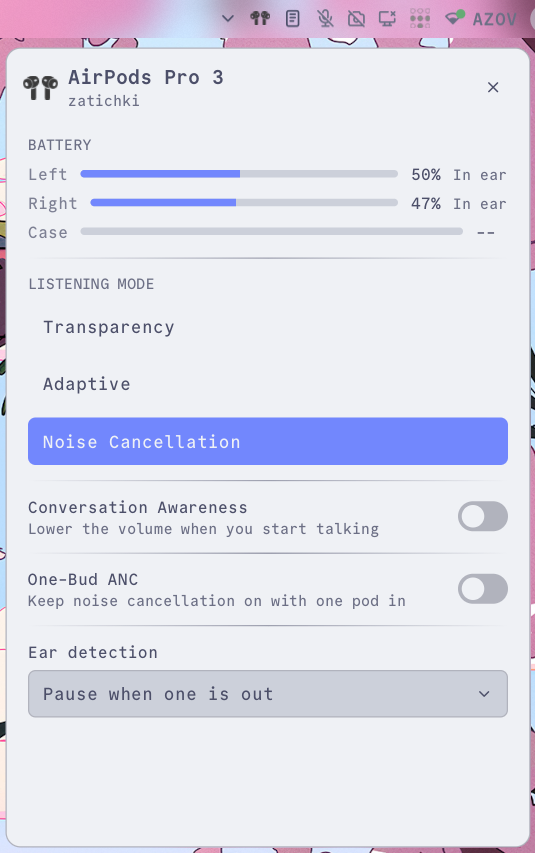
I rewrote this plugin a bit because it was buggy, and now I can switch between my phone and Linux PC flawlessly. I can see the battery level and change other parameters as well.
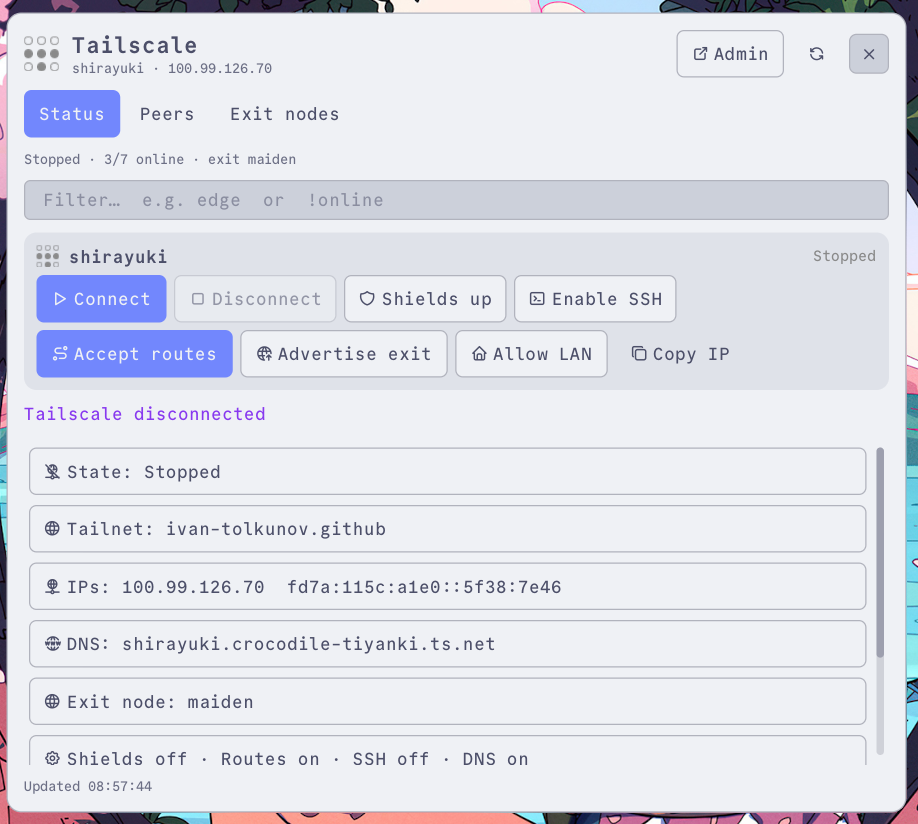
I use Tailscale with an exit node on my Raspberry Pi and Pi-hole on it, as I want to have an ad blocker. On this laptop, I have a Tailscale plugin, so I can connect, disconnect, and perform other actions through the UI.
Terminal
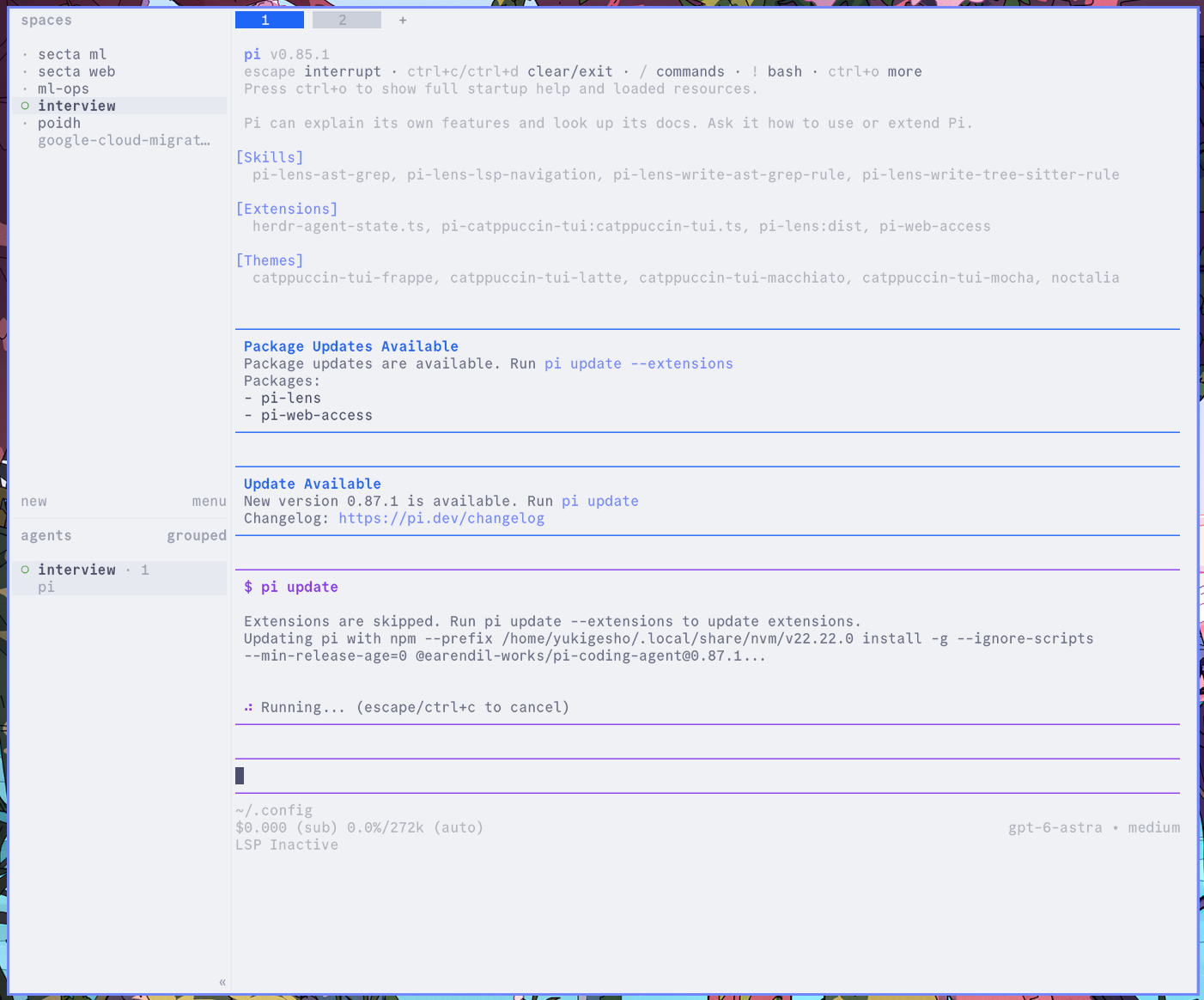
As my main terminal, I use Ghostty. I don’t know what to say - it’s fast and reliable. I use Fish as my shell and Herdr for sessions. You can find more about it in my previous blog post.
As a second terminal, I use Alacritty to work with the browser and terminal at the same time. It’s really helpful if I need to enter a command quickly and don’t want to switch workspaces.
Other
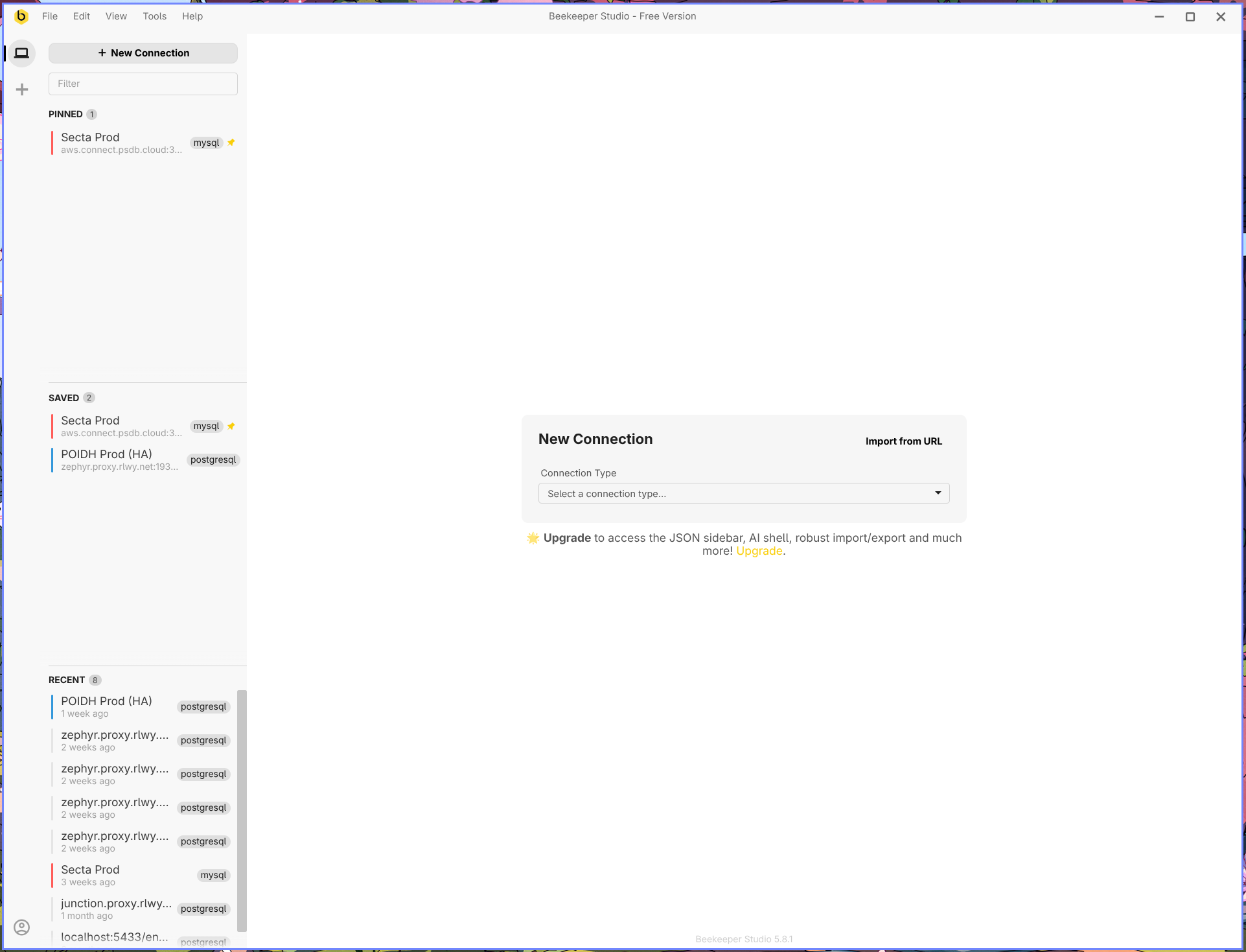
For my database manager, I use Beekeeper Studio. I really like the design. Previously, I used TablePlus, but it doesn’t work as well on Linux. If you’re on a Mac, though, I recommend it.
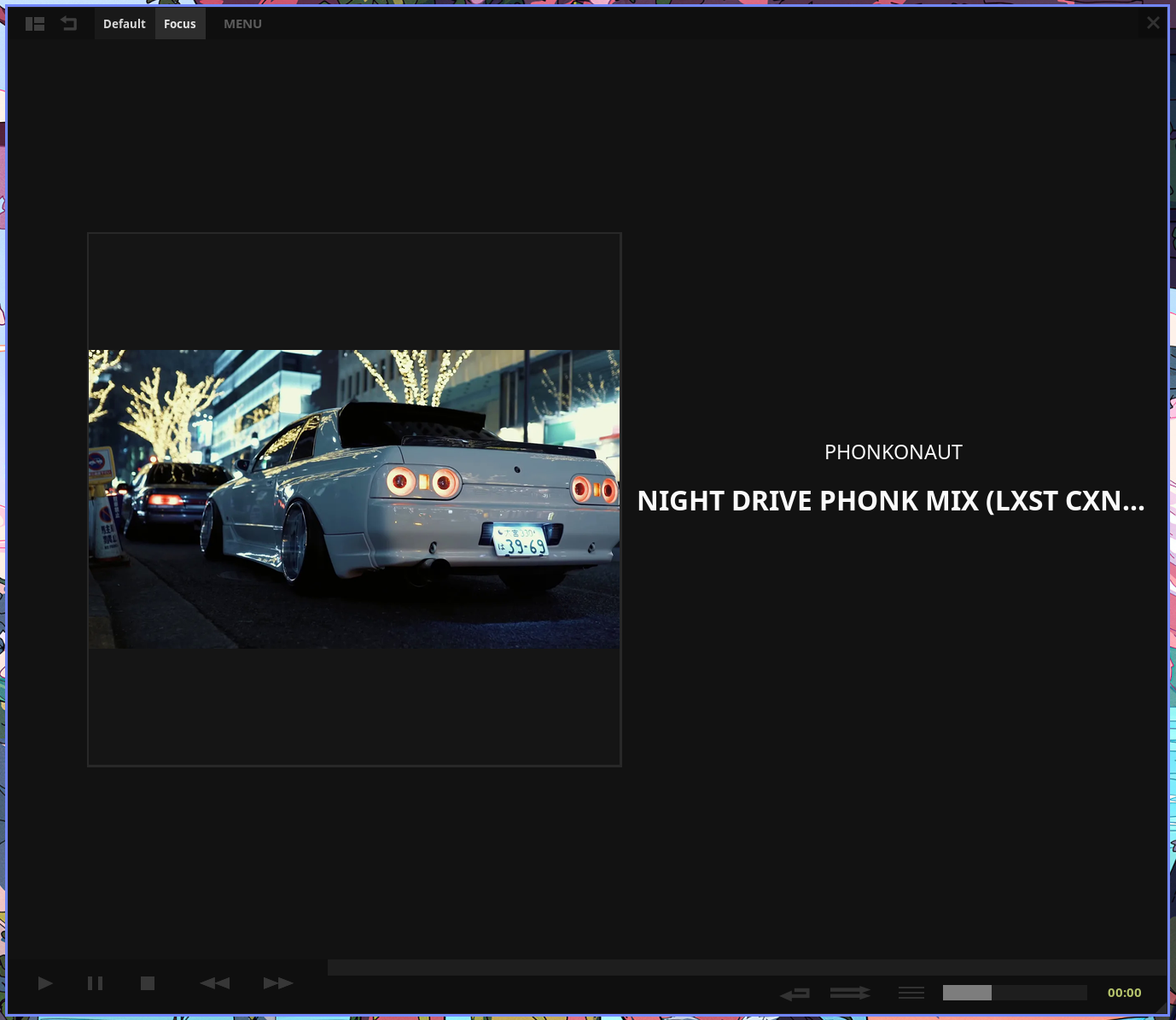
For music, I use Tauon. When I need to focus, I don’t want to have the option to start playing with an algorithm to find the best song. So I have downloaded music, and I don’t want to switch tracks constantly. Since it doesn’t have an algorithm pushing recommendations at me, it really helps me stay focused and not waste time and energy on something unnecessary.
I listen to music when I need to block out noise and focus, but most of the time I just work without music or headphones at all.
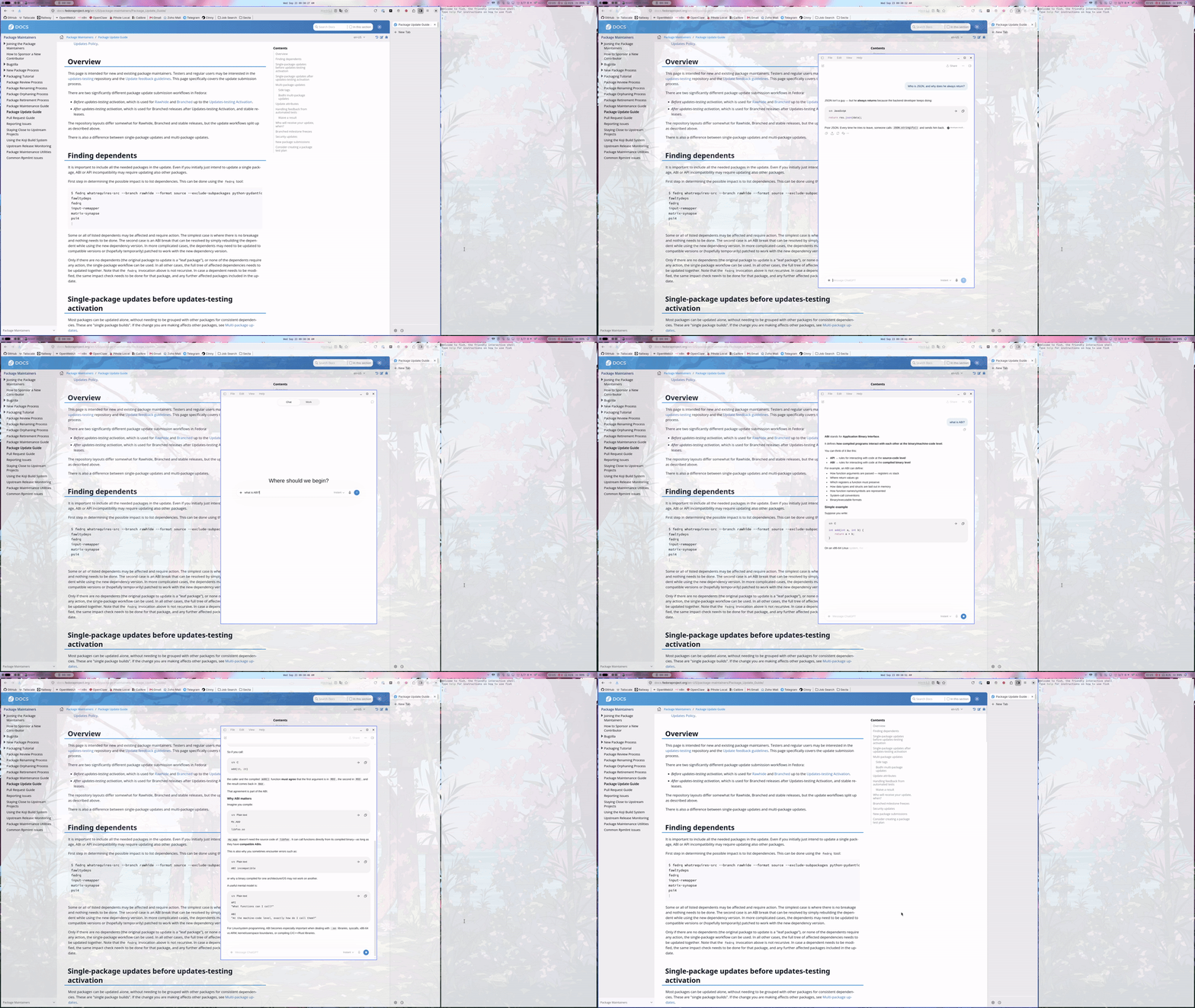
I use the native ChatGPT Linux app. Since I use shortcuts, it’s nice to have easy and fast access to the app. I can ask a question and close it. I made it float so it can stay on top of other apps while my focus is on it, and I can easily move it around to copy and paste information from all my workspaces.
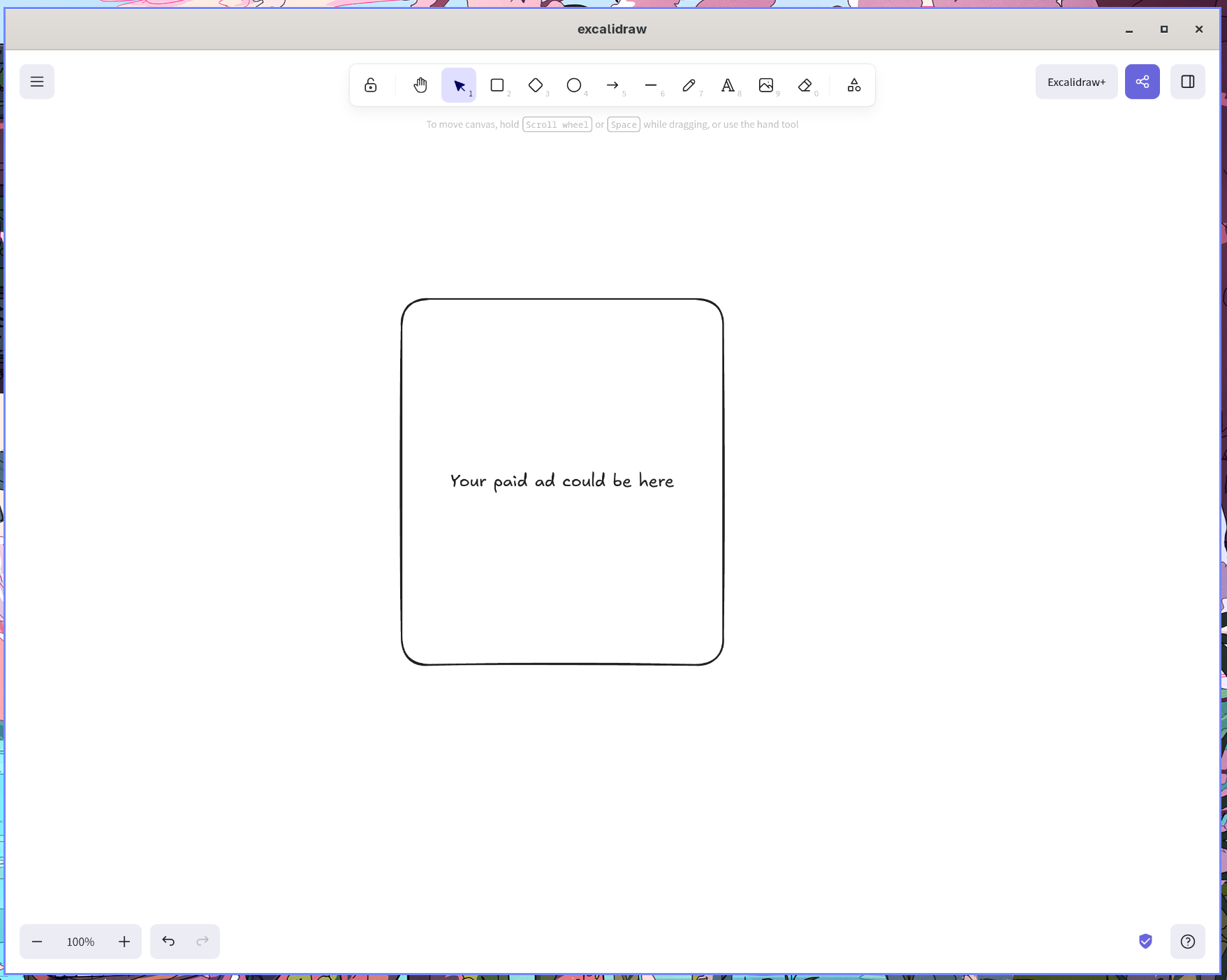
I prefer to have dedicated apps for specific jobs, so I have a lot of PWAs, for example, Excalidraw.
Final thoughts
I enjoy my time with Linux and the power to change things and make them work the way I want. I am so excited to try new things and make them part of my workflow. Sometimes I want to change my distro/theme/font/shell/etc, and I have that option, which is cool.
Linux taught me how to care and why people need more freedom, as now everything is already decided for us: what film/video to watch, what to listen to, and how to think - thank you, ChatGPT. We have lost ourselves, and now it’s okay not to own things and just go with the flow. But I believe that sometimes it’s refreshing to stop for a minute and make your own decision. Maybe it’s not the right one, maybe it’s not as convenient, but it’s yours.
It makes you an individual, and nowadays, being on your own is the best reward. I believe that with AI, people will achieve new summits, but at the same time, I hope we won’t lose ourselves.
Thank you, Linux, for making me unique!